Redirect, Don't Block
Every block creates a workaround. Every workaround leaks data.
You didn't create this problem. AI adoption happened faster than anyone could plan for. Now you're choosing between blocking (which pushes usage underground) or allowing (and watching data walk out the door).
There's a third option: redirect.
When employees visit ChatGPT, DeepSeek, or any risky AI tool, Unseen Security automatically redirects them to your Secure AI Gateway. Same AI capabilities. Zero data training. Full visibility. No friction.
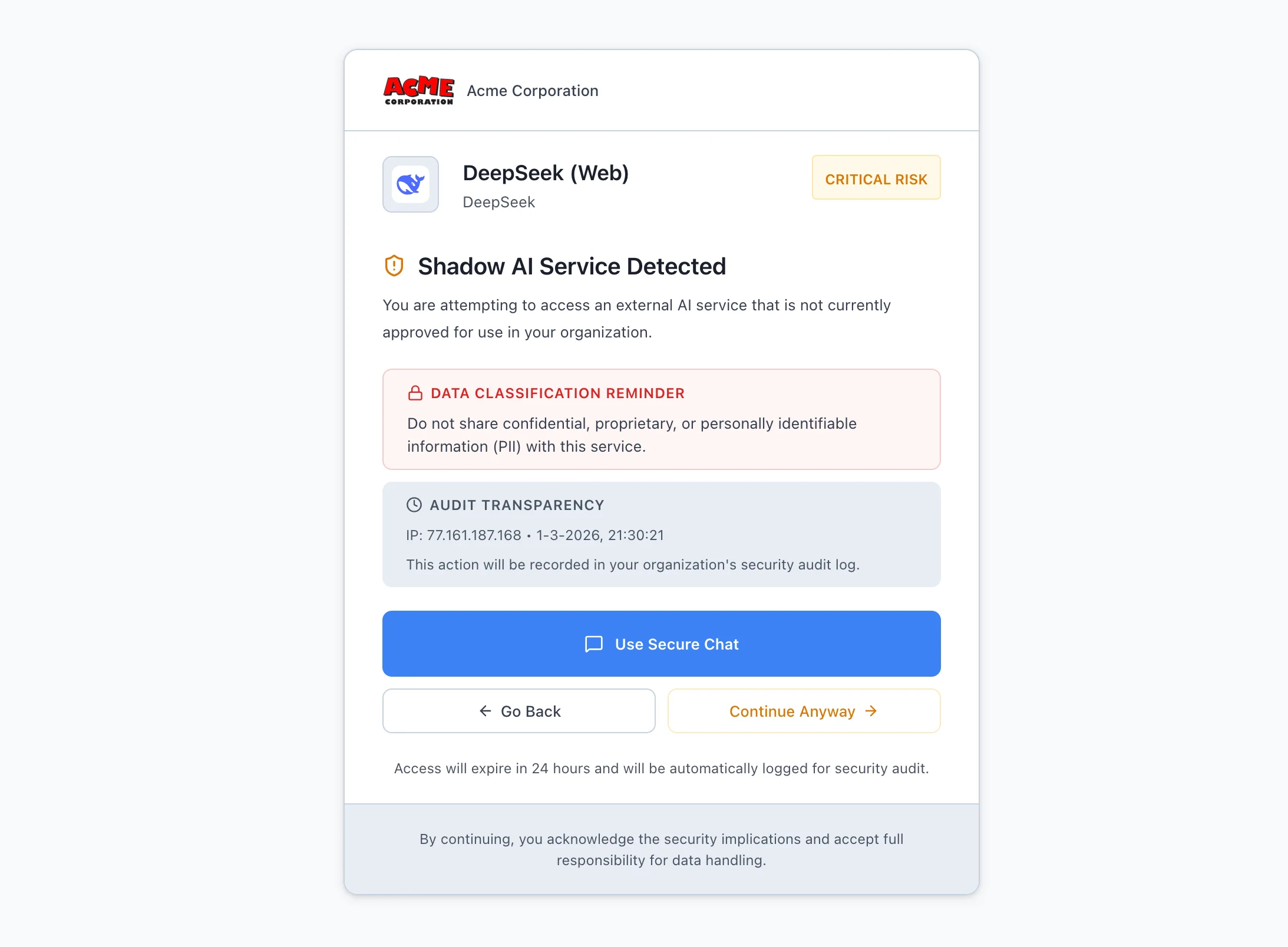
How Redirection Works
1. Detect
User navigates to a Shadow AI tool. Your existing security stack (Zscaler, Palo Alto, CrowdStrike) identifies the destination.
2. Redirect
Instead of a block page, the user sees a branded redirect to your Secure AI Gateway. Clear messaging explains why and what they get instead.
3. Deliver
The user lands in your Multi-LLM chat with access to ChatGPT, Claude, Gemini, and more. Better than what they were looking for.
Why Blocking Fails
- Personal devices. Block AI on corporate networks, employees switch to phones and personal laptops. You lose all visibility.
- VPNs and workarounds. Technical users route around blocks in minutes. Now you have Shadow AI with zero observability.
- Productivity loss. Employees who can't use AI fall behind. They resent IT. They find workarounds anyway.
- Talent attrition. Top performers expect AI access. Block it, and they leave for companies that don't.
Redirection solves all of this. Users get what they need. You keep control. Everyone wins.
The User Experience
The redirect page is fully branded to your organization. It explains that AI access is available through your secure gateway and offers a one-click path to get there. No friction, no frustration, no workarounds needed.
Most organizations see adoption of the secure alternative within days, not months. When the alternative is better than what they had, employees choose it willingly.