Everything in Unseen, on one page
Shadow AI control, a secure chat workspace, a gateway for apps and agents, and the data protection, agent rules and evidence that run across all three.
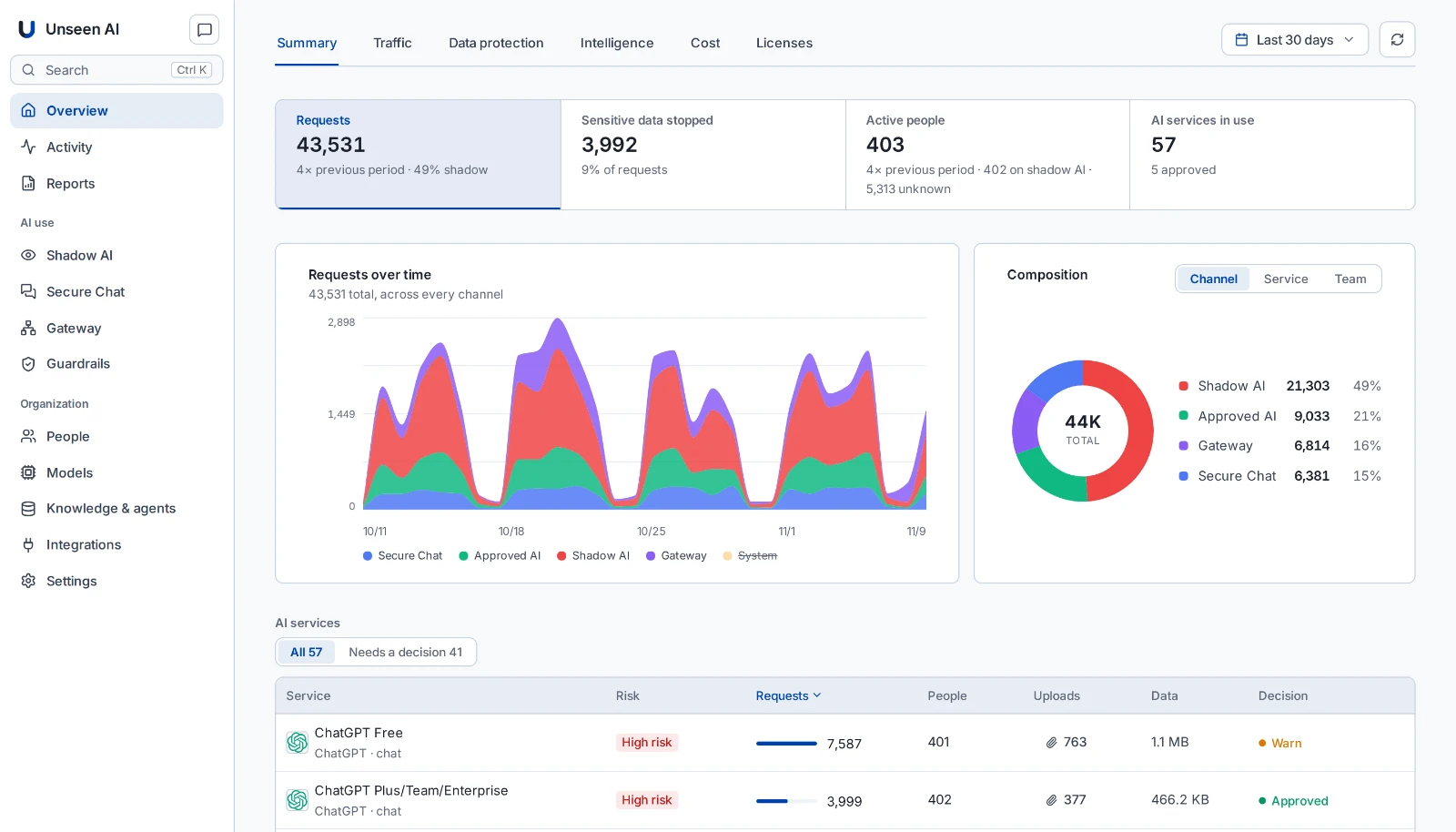
Shadow AI Control
The AI tools people use, whether you approved them or not.
- Every AI service in use, by team and person
- Company accounts told apart from personal ones
- Risk per person, per service and per address
- Warn, redirect to the approved tool, or block
Secure AI Chat
One chat workspace with the models you approve.
- OpenAI, Anthropic, Gemini, Mistral, Azure AI Foundry, AWS Bedrock or your own models
- Compare answers from several models side by side
- Projects, knowledge bases and agents
- Apps such as Microsoft 365, GitHub and Jira, with approval before changes
- In Word, Excel and Outlook too
- Billed by the tokens people use, not per seat
AI Gateway
One gateway for the AI your apps and agents use.
- OpenAI-compatible: change the base URL, keep the code
- Models, MCP tools and A2A agents through one gateway
- A key per app and agent, with budgets and rate limits
- Risky tool calls wait for a person
Data protection
The same rules for every channel.
- Personal data, credentials and confidential content blocked or removed
- Guardrails you assign per team, service or app
- Audit mode and a simulator to test a rule before enforcing it
- Prompt injection and jailbreak checks where you assign them
Agents
Decide what agents may do, and test them.
- Allow, ask first or block per tool
- A record of every tool call and agent-to-agent call
- Red teaming fitted to each agent, mapped to the OWASP Top 10 for LLM applications
- Re-test after a fix
Evidence and reporting
What an auditor, a CFO or your SIEM asks for.
- AI inventory with risk and region, exportable as CSV
- Compliance evidence mapped to the EU AI Act, GDPR, NIS2, DORA and more
- Scheduled reports
- Paid AI seats against real use, and spend per team
- Events to your SIEM; approval alerts by email, Slack or Teams
Identity and access
Rules by person and team, not by device.
- People and teams from Microsoft Entra ID
- AI seats read from your Entra groups
- Approvals decided by the caller, a team or the admins
- People can ask for access to a tool or model
Where it runs
In an environment you control.
- Your data centre on VMware or Nutanix, or your AWS, Azure or Google Cloud account
- Works with the security stack you already run
- No agent on each device
- Prompts go only to the providers and regions you approve
Questions
What does Unseen do?
Unseen is one control point for the AI your organization uses: the AI tools people bring, the chat workspace you give them, and the apps and agents that call AI on their own. It shows that use, protects the data in it, and keeps a record.
Does Unseen need an agent on every device?
No. Unseen works with the security stack you already run, with no agent on each device.
Which compliance frameworks does the evidence cover?
The compliance evidence maps what Unseen observes to obligations in the EU AI Act, GDPR, UK GDPR, NIS2, DORA, HIPAA, the NIST AI RMF and others. It supports your audit; it does not certify compliance on its own.
How is Unseen priced?
Unseen is licensed as software. The AI people use in Secure AI Chat is billed by the tokens they use, not per seat.